Signing in
Accounts are created for you. There is no public sign-up.
Get an account
Ask your administrator for an account. You will receive a username and a password.
Sign in
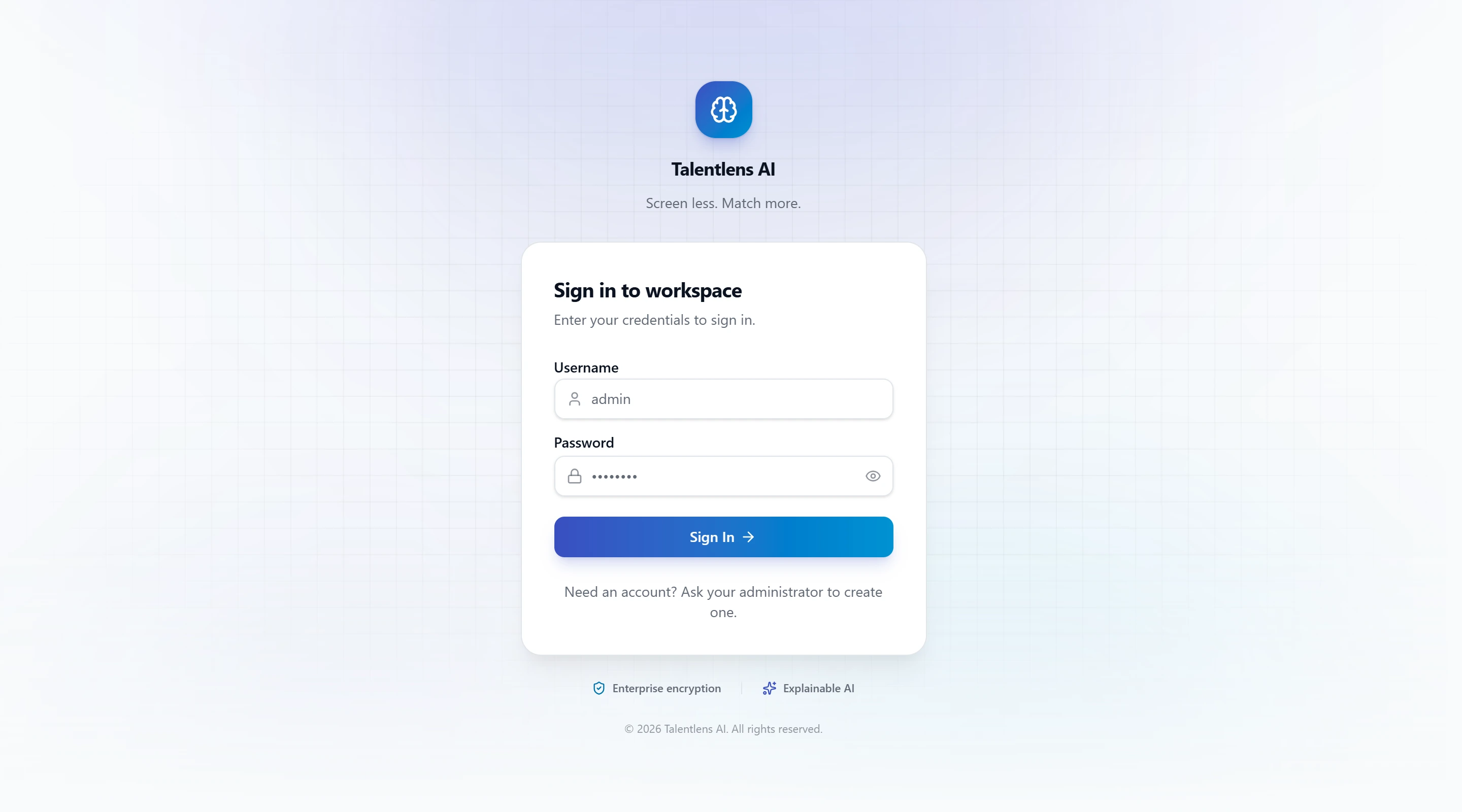
- Open the Talentlens AI sign-in page.
- Enter your Username and Password.
- Select Sign In.
You arrive on the Dashboard.
tip
The eye icon in the password box shows or hides what you typed. Usernames and passwords never contain spaces, so the Space key does nothing in these boxes.
If you cannot sign in
| What you see | What to do |
|---|---|
| "Invalid username or password." | Check both and try again. Passwords are case-sensitive. |
| A message that your role is not authorized, or that your profile has no assigned company | Your account is not fully set up. Ask your administrator. |
| "Your session has expired. Please sign in again." | You were signed out after a period of inactivity. Sign in again. |
Signing out
Open the account menu at the bottom of the sidebar and select Sign Out.